AI Photo Booth Strip
One adult selfie, four new poses in a Korean-style PNG strip.
One-time pack · Google sign-in required
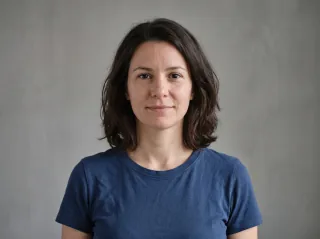 Synthetic selfie
Edit a sample strip
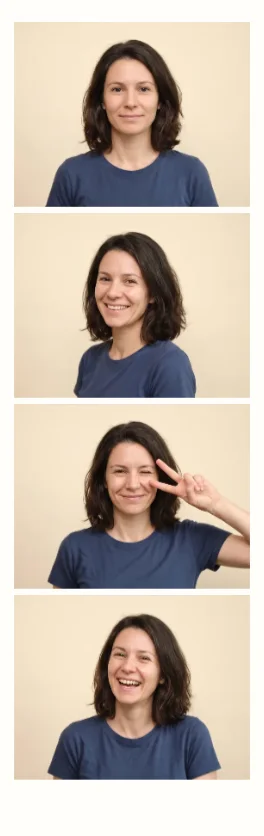
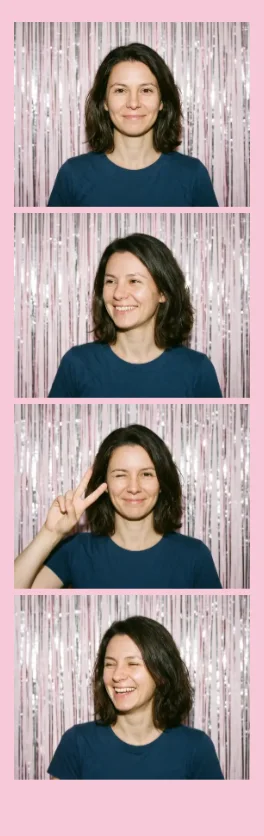
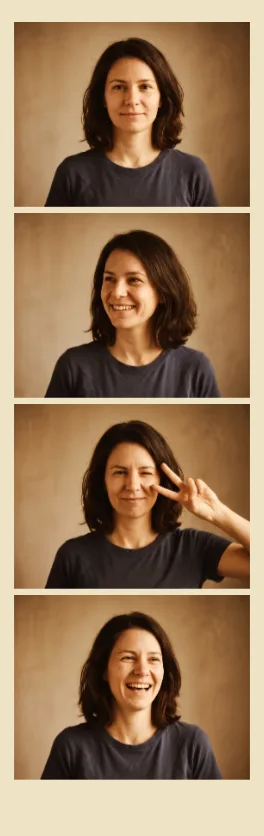
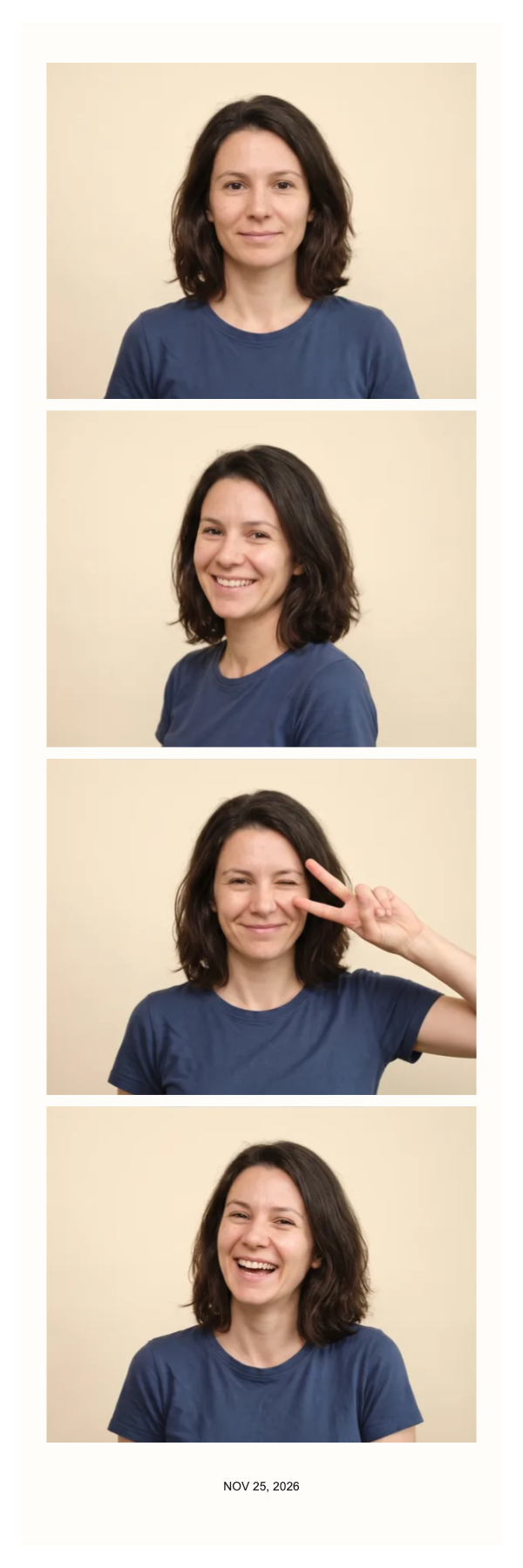
AI-generated examples. Likeness can vary.
From selfie to photo strip
- Start with a clear selfie. Use one photo of yourself as an adult. A well-lit face and a simple background give the AI a clearer reference. Prepare a selfie on your device.
- Choose a style and generate. Try Classic Poses for a light studio finish, Y2K Studio for a flash look, or Vintage Film for warmer color. Sign in, buy the one-time three-strip pack and confirm consent when you are ready to use one credit.
- Make it yours and save. Edit the frame and caption, then download the finished strip as a PNG. You can recover finished strips for seven days with the same account.
Save your strip for sharing or print
Choose Download your strip in the sample or finished editor to choose a layout or print size.
- Original layout saves Four Cut at 1200 × 3800.
- Story · 9:16 fits the complete strip on a 1080 × 1920 canvas.
- Download 2×6 sample PNG · One strip, 600 × 1800 at 300 ppi.
- Download 4×6 sample PNG · Two strips, 1200 × 1800 at 300 ppi.
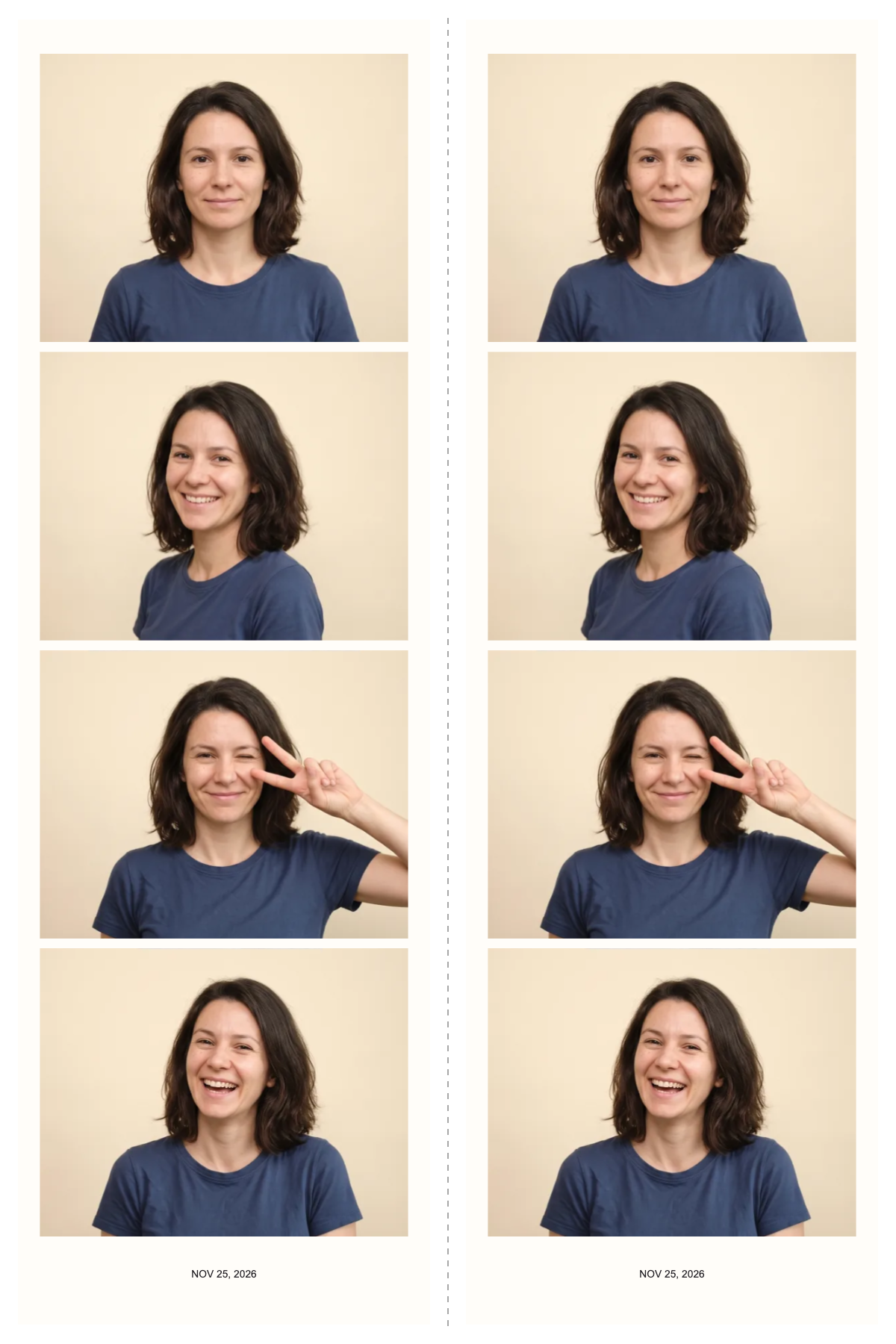
The print samples use the fictional portraits in the selected style. Choose Save JPEG in either print preview if your photo lab requests it. Print at actual size on matching paper.
Choose Save photos to download or copy one pose, or prepare a ZIP of all four PNGs. Each image keeps its own crop and filter. Copying depends on browser support.
How your selfie is used
You can choose a photo on your device before generating. After you confirm and select Generate, a prepared copy goes to the AI and safety services. Poses and likeness can vary. Read the AI photo privacy details.
Make a strip from your existing photos
Use the free Classic strip maker to arrange one to four existing photos. Add filters, frames or captions in your browser and download a watermark-free PNG.
If your photos are in one 2×2 collage, turn the grid into an editable strip.