A mood for every little moment.
Photo Booth
Filters
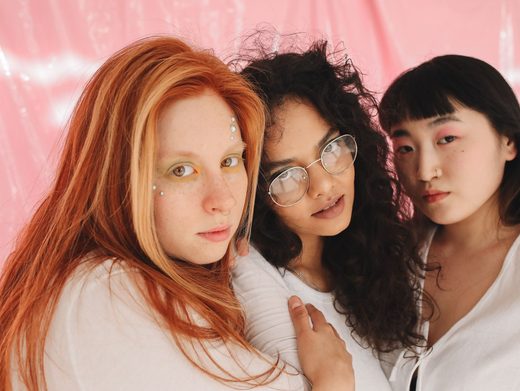
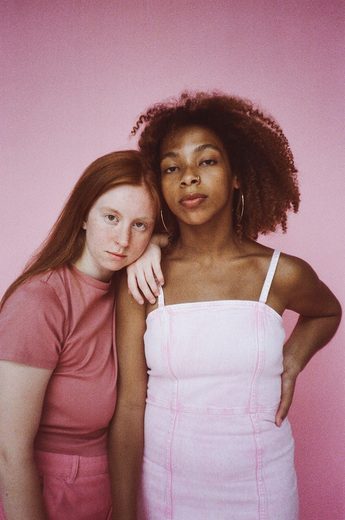
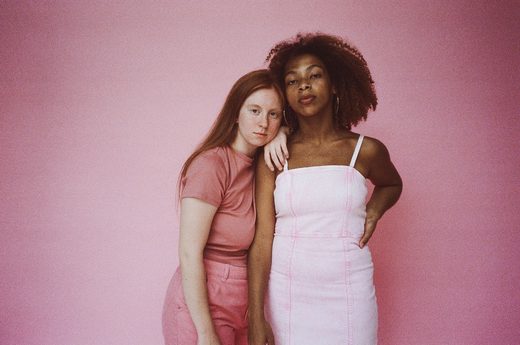
A little film warmth, a digicam flash, or a soft pink glow. Give your photos a nostalgic finish, with room to make it your own.
Free · No sign-up · No watermark
Find your favorite kind of nostalgia.
Or, take new photos in the boothjust for you.

yours
SIMPLE AS ONE, TWO, THREE
Your next favorite memory,
in a few little steps.
- 01
Bring your photos
Upload your favorite pictures or take four new shots with the classic camera booth.
- 02
Find your feeling
Try six distinct looks and dial the intensity up or down. Every photo gets the same finish.
- 03
Keep it your way
Choose a frame, add a little note, and download your strip. Your originals stay untouched.
SIX LITTLE MOODS
Same you.
A different feeling.
From untouched color to softly faded film. Start with a sample, then try the look on your own photos.
FROM YOUR STRIP TO YOUR CAMERA ROLL
Keep every part of the moment.
- Check your look
- Try your look on one to four photos. Adjust the filter intensity, then check each crop before you save.
- Save the original layout
- Choose Download your strip, then Save PNG. The export includes your edits and keeps the shape of your strip or grid, with no watermark.
- Make room for a story
- Choose Story · 9:16 for a 1080 × 1920 PNG. Background space keeps your complete layout in view. Save it, then add it to a story in your social app.
Your memories are personal.
Let’s keep them that way.
Classic Booth edits your photos right here in your browser. No account, no photo uploads to our servers, and no hidden watermark.
A little more about privacyA FEW THINGS YOU MIGHT WONDER
Good questions.
Simple answers.
Which photo booth filters can I use?
Choose Original, Warm Film, Digicam, Black & White, Disposable, or Soft Pink. All six are free. The chosen look is applied to every photo in your strip.
Can I change how strong a filter looks?
Yes. Use the intensity slider to soften or strengthen the effect. Switch back to Original at any time; your original photos are kept intact.
Are these AI filters?
No. Classic Booth filters change the appearance of your existing photos locally in the browser. They do not generate new faces, poses, or backgrounds. The separate AI Photo Booth is coming soon.
Can I add a frame after choosing a filter?
Yes. Filters, frames, layouts, and decorations are separate controls, so you can change one without starting again.
Can I use a filter with fewer than four photos?
Yes. Upload one to four photos and the strip adjusts to your photo count. Four photos also give you a 2×2 Grid option. The same filter and intensity are applied across the layout.
How do I save my filtered photos?
Choose Download your strip to preview the finished PNG. Original layout keeps the strip or grid shape; Story · 9:16 places the complete layout on a 1080 × 1920 background. Save PNG keeps an edited copy without changing your original photos.
A little silly.
A little nostalgic.
Completely you.
Upload PhotosMake a moment worth keeping.