For the photos you already love.
Free Photo
Strip Maker
Turn one to four pictures into a little story. Arrange your favorites, add a frame, and save a photo strip that feels like you.
Free · No sign-up · No watermark
Good photos deserve to stick together.
Or, take new photos in the boothjust for you.

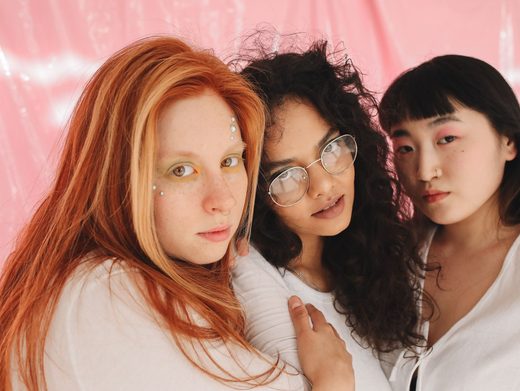
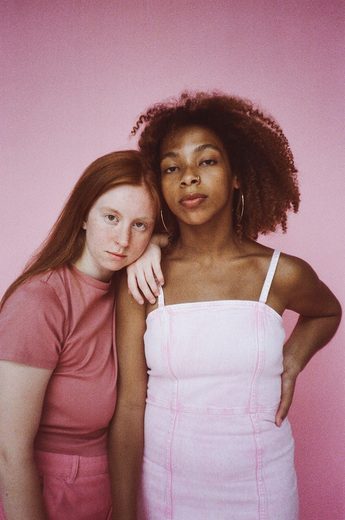
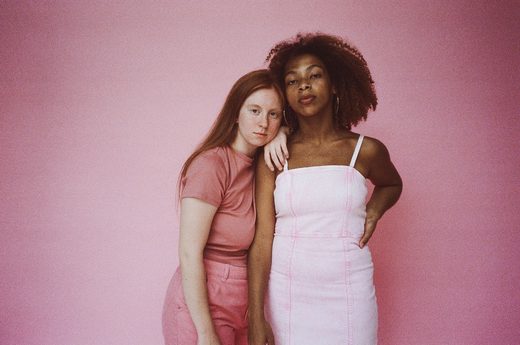
yours
SIMPLE AS ONE, TWO, THREE
Your next favorite memory,
in a few little steps.
- 01
Pick your favorites
Choose one to four photos from your camera roll. Your layout finds its shape automatically.
- 02
Make them a set
Move photos into order, adjust each crop, and choose a frame that ties it all together.
- 03
Keep the whole story
Add a date or a little note, then download your finished strip as a free PNG.
A LITTLE SPACE FOR EVERY STORY
One favorite?
Or the whole four?
The layout follows your photo count. Four photos give you a choice of a classic strip or a square grid.
FROM YOUR STRIP TO YOUR CAMERA ROLL
Keep every part of the moment.
- Choose your layout
- One, two, or three photos make a matching strip. With four, choose Four Cut or a 2×2 Grid. Reorder photos before exporting.
- Save the original layout
- Choose Download your strip, then Save PNG. The export includes your edits and keeps the shape of your strip or grid, with no watermark.
- Make room for a story
- Choose Story · 9:16 for a 1080 × 1920 PNG. Background space keeps your complete layout in view. Save it, then add it to a story in your social app.
Your memories are personal.
Let’s keep them that way.
Classic Booth edits your photos right here in your browser. No account, no photo uploads to our servers, and no hidden watermark.
A little more about privacyA FEW THINGS YOU MIGHT WONDER
Good questions.
Simple answers.
How many photos do I need for a strip?
You can start with one, two, three, or four photos. The layout adjusts to the number you choose. With four photos you can switch between a vertical Four Cut strip and a 2×2 Grid.
Which image formats work?
Upload JPEG, PNG, or WebP files, up to 20 MB and 24 megapixels each. HEIC and HEIF need to be exported as a supported format first. If a photo cannot be opened, you can choose another without losing your existing edits.
Can I reorder or crop my photos?
Yes. Reorder, add, replace, or remove photos in the editor. Tap a photo to adjust its crop and zoom. Your original image is preserved.
What file will I download?
A PNG with your chosen crops, filter, frame, caption, and decorations, without a PhotoBoothFilter watermark. Original layout uses the dimensions of your strip or grid. Story · 9:16 adds a background around the complete layout to make a 1080 × 1920 image.
How do I put my strip in a phone story?
Choose Story · 9:16 in the download preview, then Save PNG. Open your social app and add the saved image to a story. Share photo can open your device’s sharing options where supported; the available apps depend on your browser and phone.
A little silly.
A little nostalgic.
Completely you.
Upload PhotosMake a moment worth keeping.